What’s in the Box?

1‑Pack

(Model SPLK10N01A)

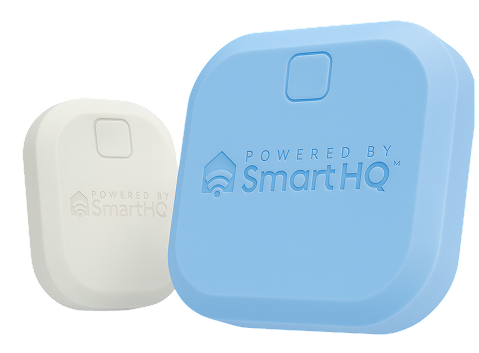
  • 1 × Gateway (Model SPLG10N01P)
  • 1 × Water Leak Sensor with 2× AAA pre‑installed (Model SPLS10N01P)
  • 1 × USB‑C cable (≈1 ft) & 1 × UL‑listed 5 W USB‑A power plug
  • Mounting tape (as needed)

3‑Pack

(Model SPLK30N01A)

  • 1 × Gateway (Model SPLG10N01P)
  • 3 × Water Leak Sensors each with 2× AAA pre‑installed (Model SPLS10N01P)
  • 1 × USB‑C cable (≈1 ft) & 1 × UL‑listed 5 W USB‑A power plug
  • Mounting tape
Gateway

5 V DC via included 5 W adapter; 2.4 GHz Wi‑Fi

Sensor

3 V DC (2× AAA); 2.4 GHz; IP64 water‑resistant

Tools

#0/#00 Phillips, flat‑head screwdriver

Setup Guide

Follow these steps for both 1‑pack and 3‑pack kits.
Install & Sign In to SmartHQ
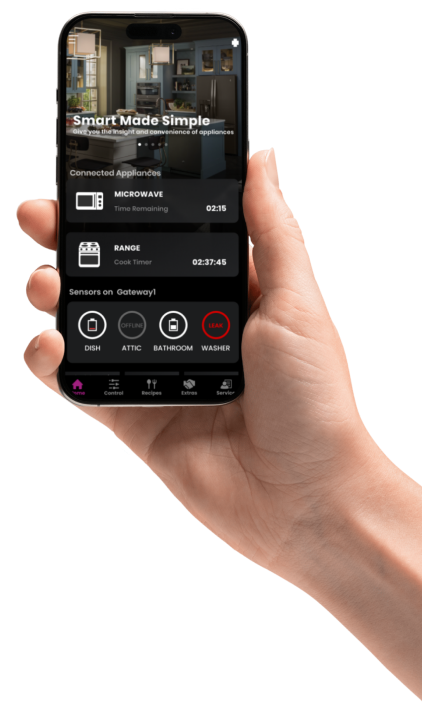
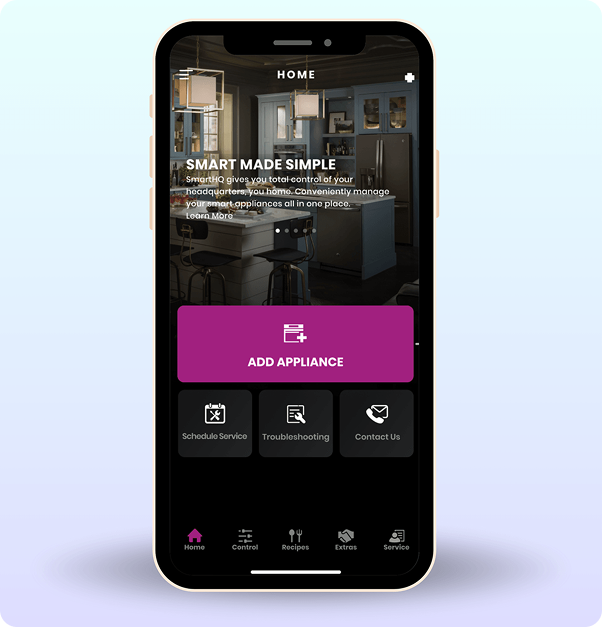
  • Install the SmartHQ™ app from the buttons above.
  • Open the app and sign in or create an account.
  • Have your 2.4 GHz Wi‑Fi name and password handy.
Prepare Each Sensor
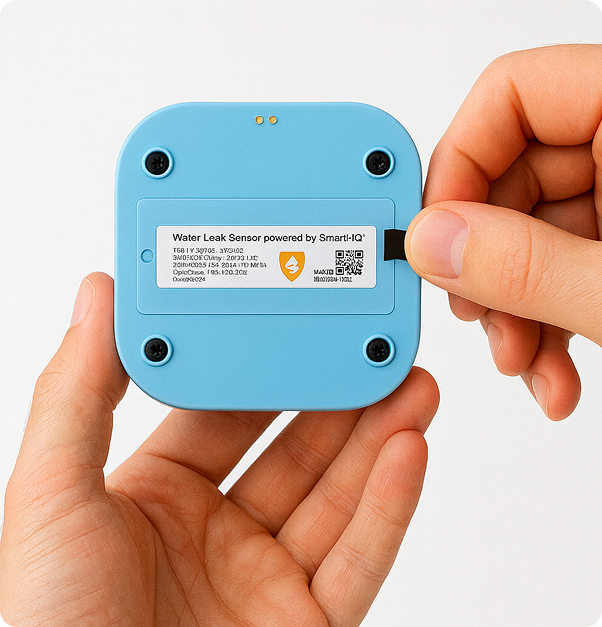
  • Hold the sensor in one hand, label facing up.
  • Pinch the battery insulator (pull tab) close to the battery cover and slowly pull as shown(sideways, parallel to the battery cover)
  • Discard the pull tab.
  • Place the sensor aside and proceed to next step, Powering your Gateway.
Powering your Gateway
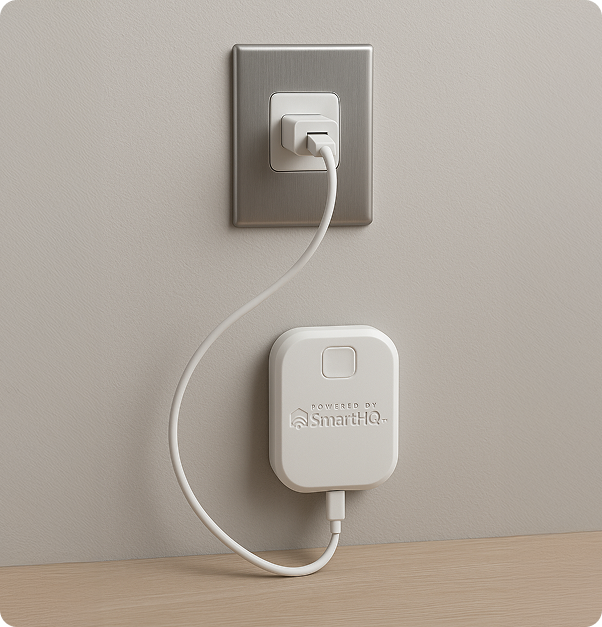
  • Plug the USB-C cable (included) into the USB-C port on the Gateway.
  • Plug the USB connector into a USB-Apower plug (included).
  • Use UL listed supply with max output power rating of 5 W.
Connect your Gateway
  • Open the SmartHQ app and touch the “+” located at the top right-hand corner of the app homepage.
  • Select GE brand.
  • Your Gateway should appear at the top. Touch Connect. Follow the instructions from the app to complete the connection of your gateway and to pair your sensor(s).
  • To avoid confusion, after pairing your sensor, it is recommended that you give each sensor a custom nickname and place the sensor in its appropriate location before proceeding to the next sensor.
Placing your Sensor
  • Place sensors by likely leak points: under sinks, behind toilets, next to the water heater, under washing machines, near dishwashers, and refrigerators with water lines.
  • Orientation: Probes at the lowest point for early detection; button at the top.
  • Mounting: Use included double‑sided tape for vertical surfaces (e.g., water heater tank). Keep probes low and unobstructed.
Test a Sensor
  • Dampen a paper towel and touch it to the probes briefly.
  • Confirm you receive an alert in the app. Dry probes and verify the alert clears.
Leak Alerts & Clearing
  • When water is detected, you’ll receive a notification stating a leak was detected.
  • To clear: remove the sensor from water and dry the probes. Alert clears automatically; if needed, close and reopen the app after ~1 minute.

Placement Examples

Use these common locations as a starting point.

Under‑sink cabinet

Place near supply lines or P‑trap. Keep probes touching the cabinet base where water would collect.

Water heater catch pan

Mount to the tank using the included tape. Orient with button up and probes low, over the pan.

Laundry / washer

Place at the back corner where a leak would flow. Avoid routine splash zones.

Refrigerator with water line

Place next to the line entry at the base. Ensure the probes are not blocked by trim.

High‑risk areas

Basements near sumps, crawl spaces, behind toilets—wherever early detection matters most.
How to Replace the Battery:

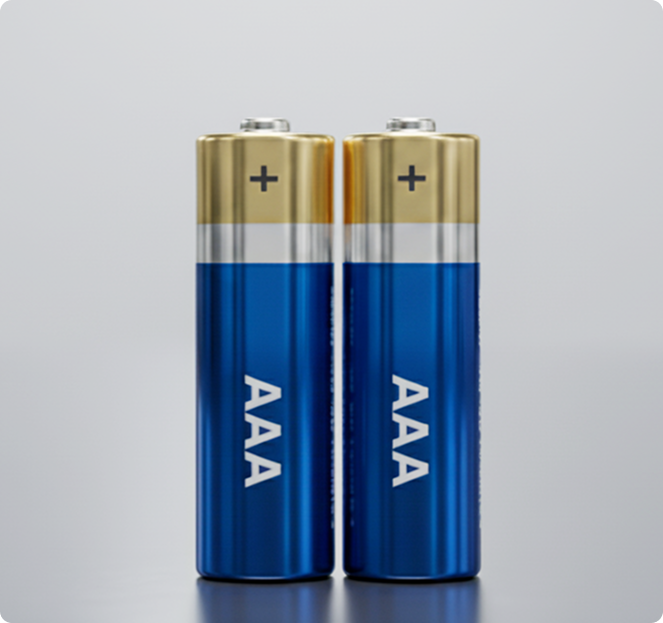
Use only new alkaline, non-rechargeable
AAA batteries.

1

Remove one screw; loosen the other; lift cover carefully.

2

Replace both batteries.

3

Reseat cover and tighten screws (don’t over-tighten).

Tip: Replace both cells together.

⚠️ Warning: Wrong battery type may cause leakage or explosion. Dispose properly.

1‑Year Limited Warranty

GE Appliances warrants the Leak Detect Sensor and Gateway against defects in materials and workmanship for one (1) year from the date of original purchase. If a defect arises during the warranty period under normal, intended use, GE Appliances will, at its option, replace the unit with a new or remanufactured unit.

Exclusions:

Damage from misuse, alteration, improper installation, accidents, acts of God, or service/parts not authorized by GE Appliances.

Limitations:

GE Appliances is not responsible for consequential or incidental damages. Some states do not allow limitations on implied warranties, so these limitations may not apply.

Service:

To obtain warranty service, call 800‑220‑6899. Proof of purchase may be required.

Quick Warranty Facts
  • Coverage: 1 year from purchase
  • Remedy: Replacement (new or remanufactured)
  • Keep proof of purchase